Asset Management
Here's a set of operators to easily arrange your scene quickly. It is part of the blender addon I created.
- Instance Collections by Color
- Selected objects to grid
- Cycle Viewport display
- Unstack And Rotate
- Rename as Parent
- Rename Collection from Object
Another set of simple operators from the Blender Addon that help the user organize there scenes
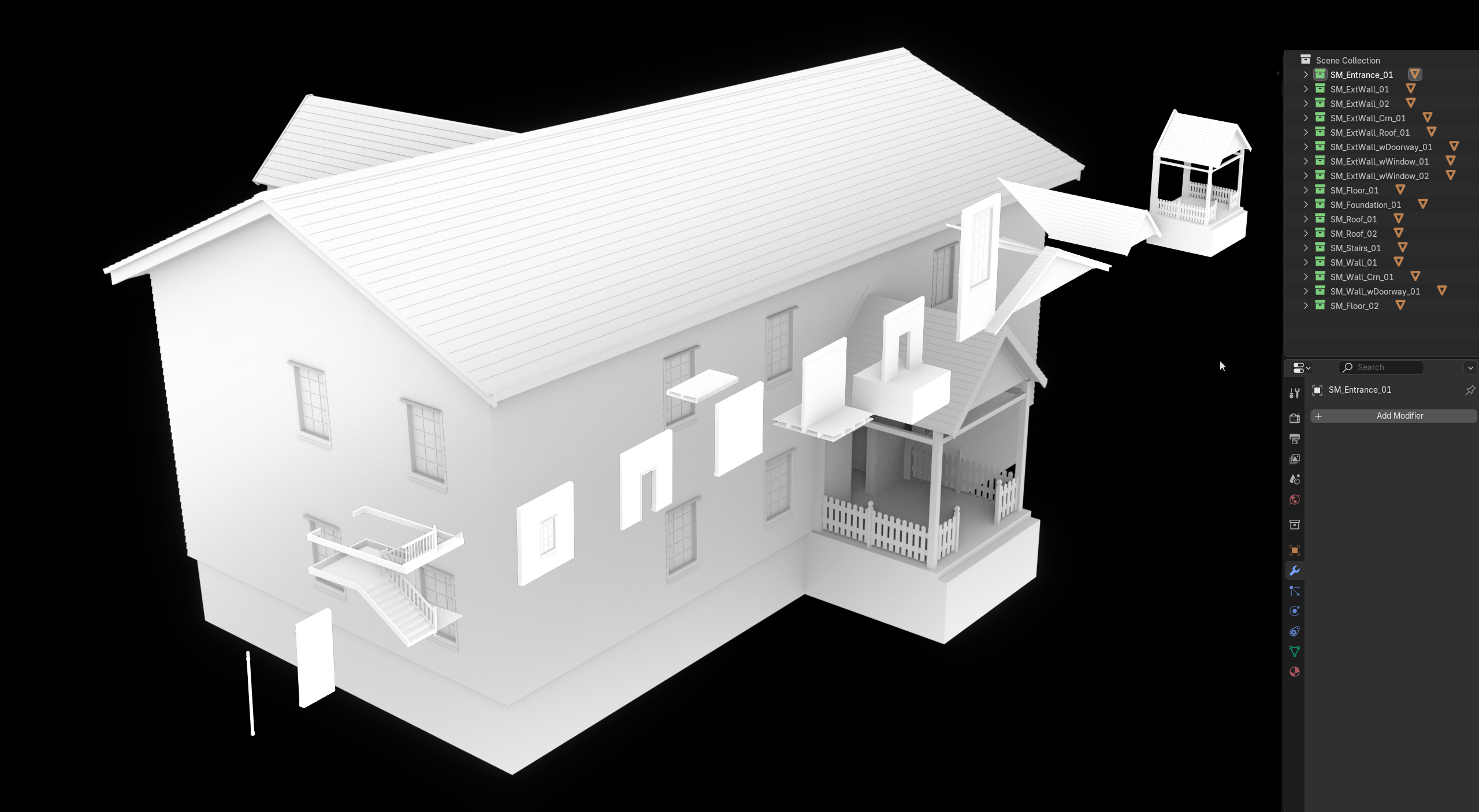
Instance Operators
Instance Collections by Color
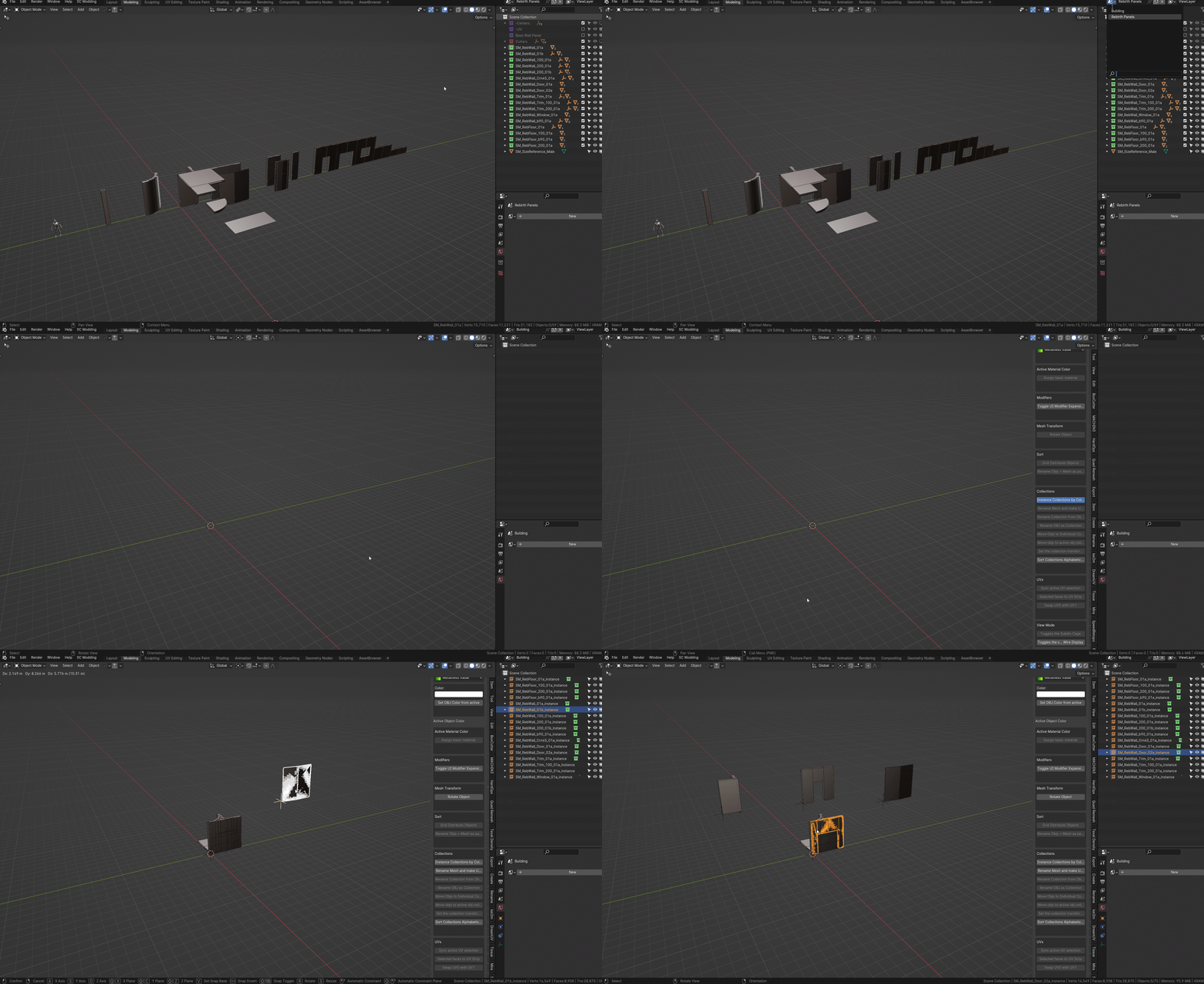
Create new Collection Instances based on your assigned collection colors. Quick way to set up a new blender scene with linked objects, e.g., A new building with modular pieces. In this example I append all the objects from the green collections
Selected objects to grid
Takes the selected objects as inputs and arranges them in a pre-defined grid pattern. Useful for quickly arranging your module kits
Viewport Operators
Cycle Viewport display
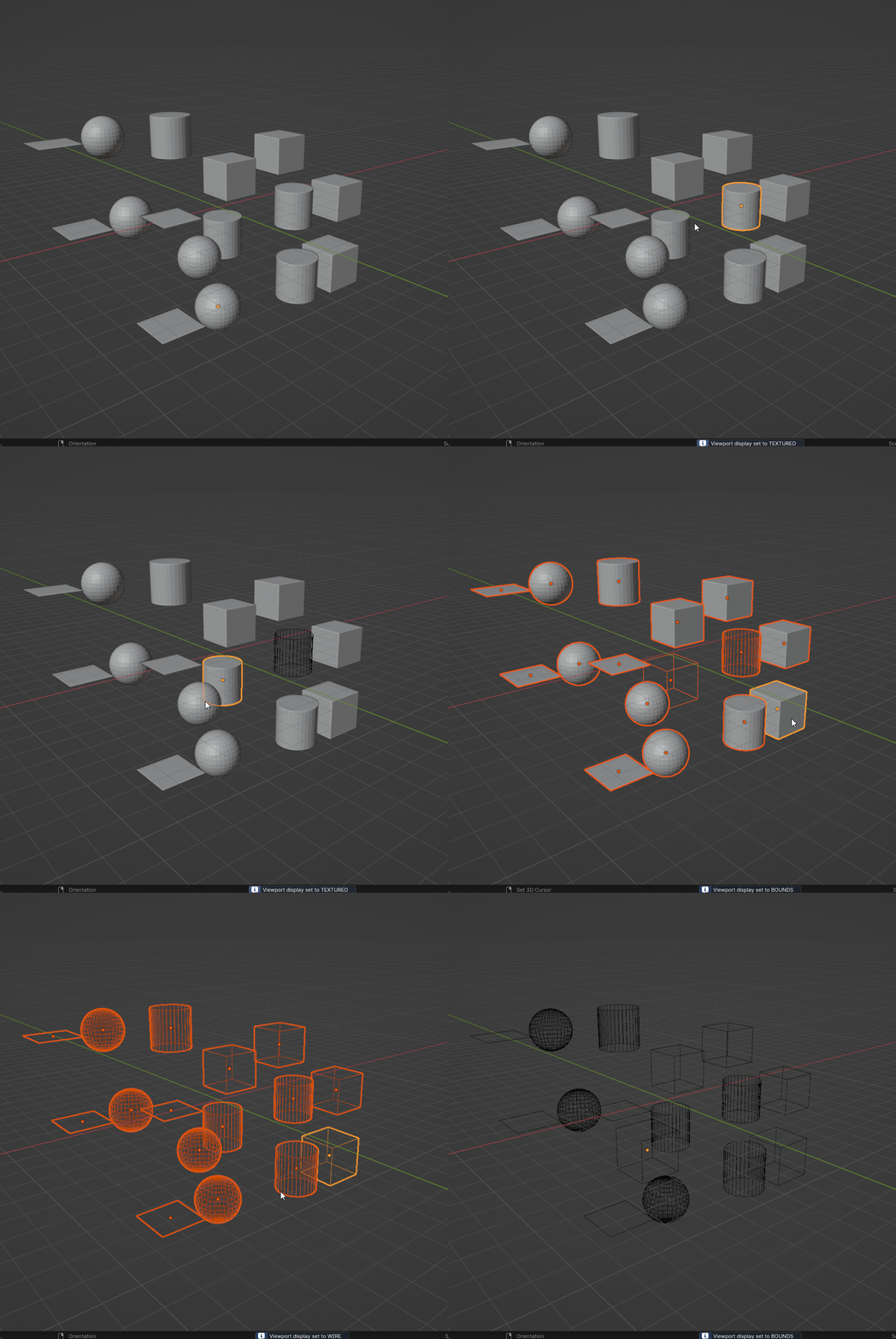
When the operator runs, the user can switch display mode on the selected objects with the mouse wheel
Transform Operators
Unstack And Rotate
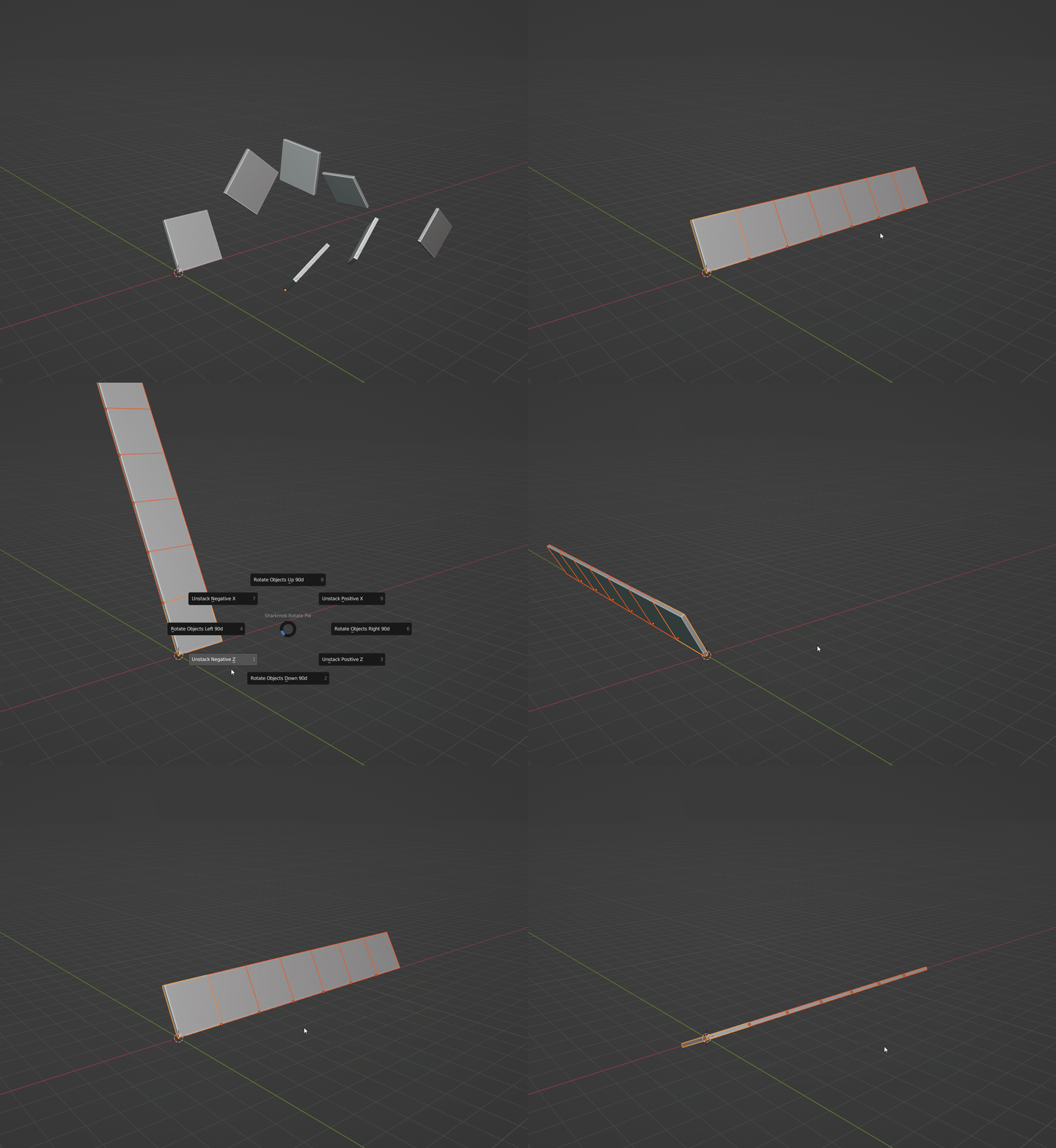
A set of operators that arranges the selected objects. The user can quickly rotate objects 90 degrees and also unstack objects according to the world/local context. Very handy for when we create modular buildings.
Smart Align
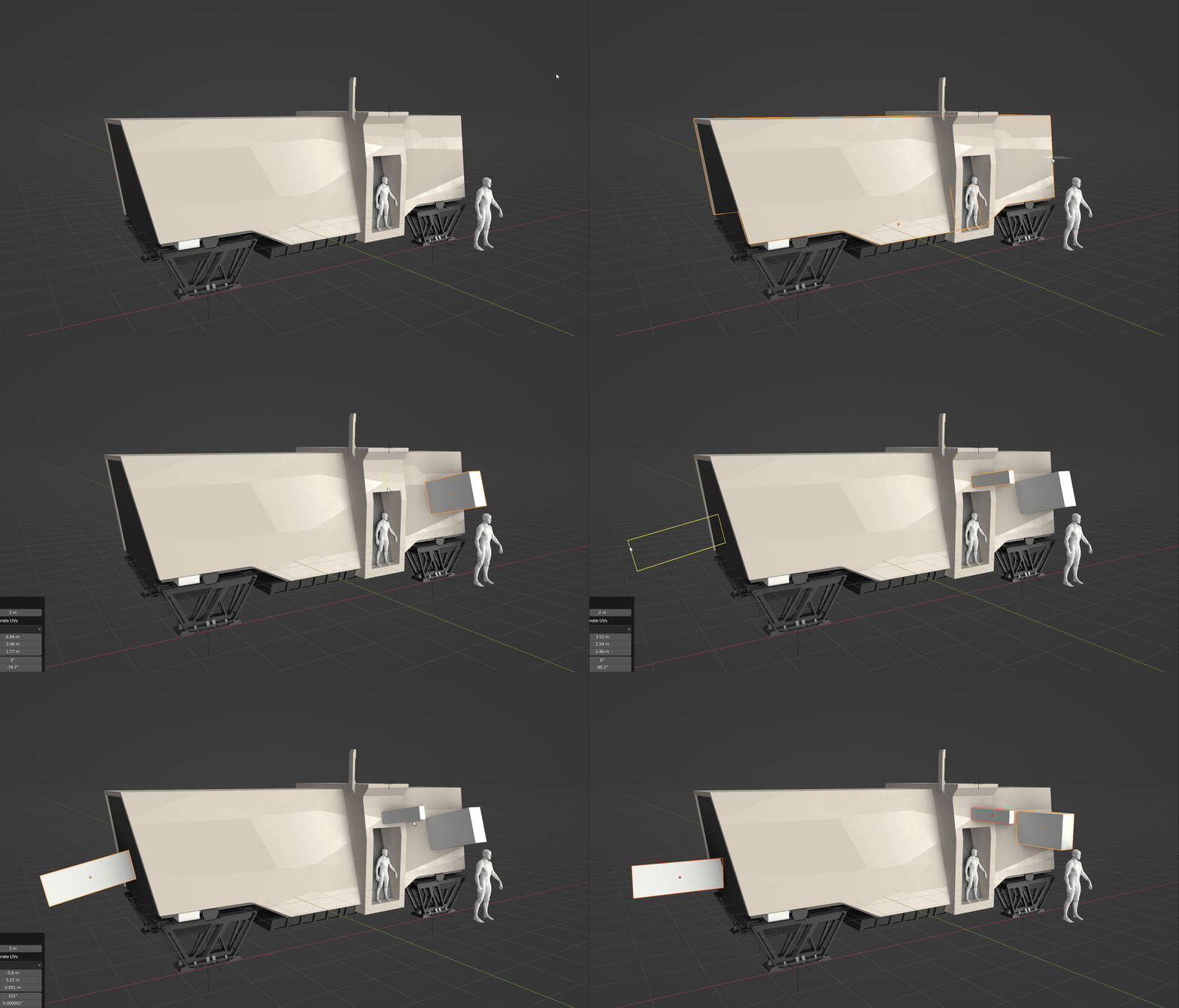
When the operator runs, the user can switch display mode on the selected objects with the mouse wheel
Rename as Parent
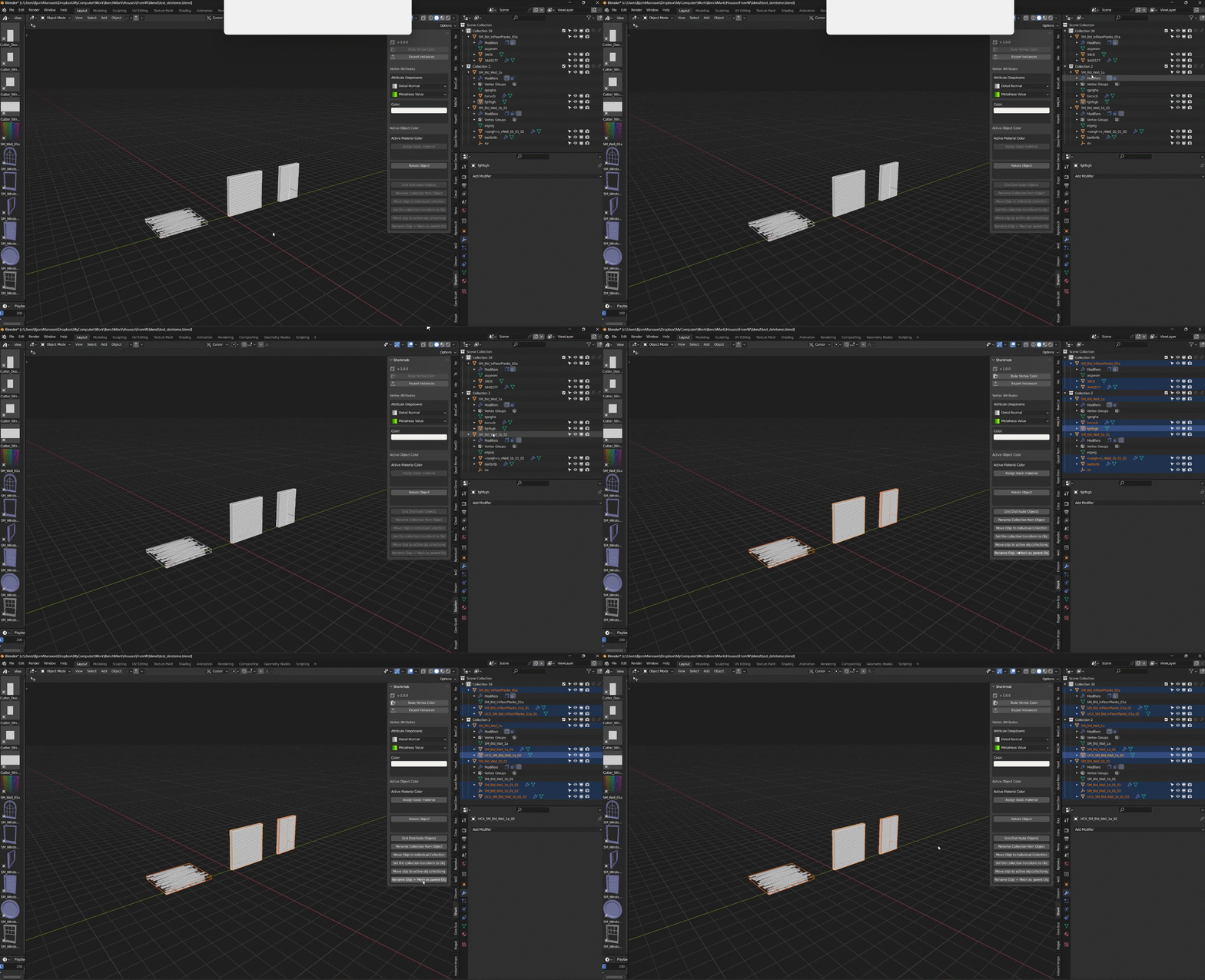
This script renames all selected objects to the parent objects name. It also put a prefix of _UCX for any mesh that has the display setting “WIRE” (which is what I usually have collisions set as)
Rename Collection from Object
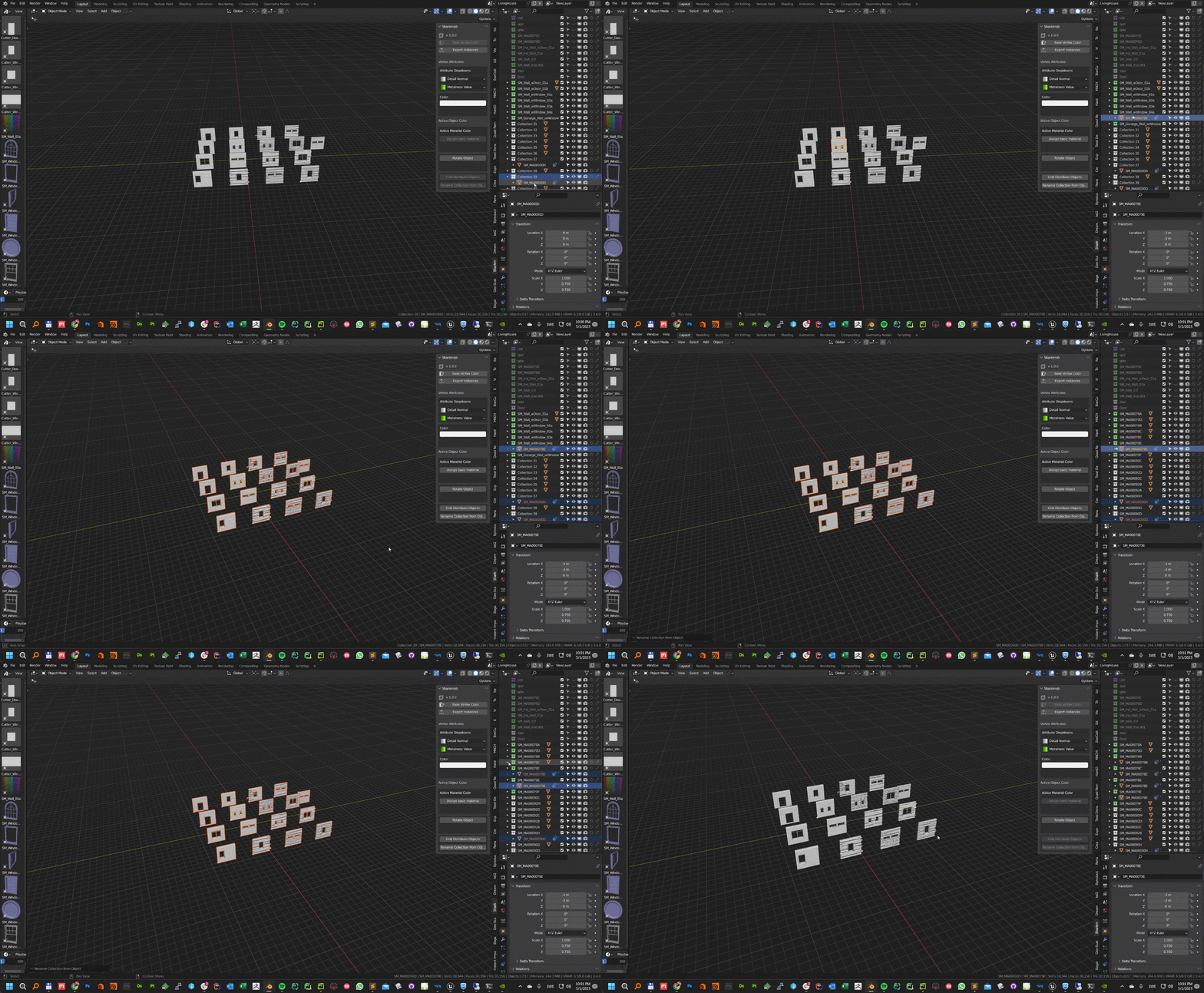
Renames all connected collections to the same name as the top object linked in the individual collections or the highest object in a parented hierarchy.