Custom Material Nodes
Overview
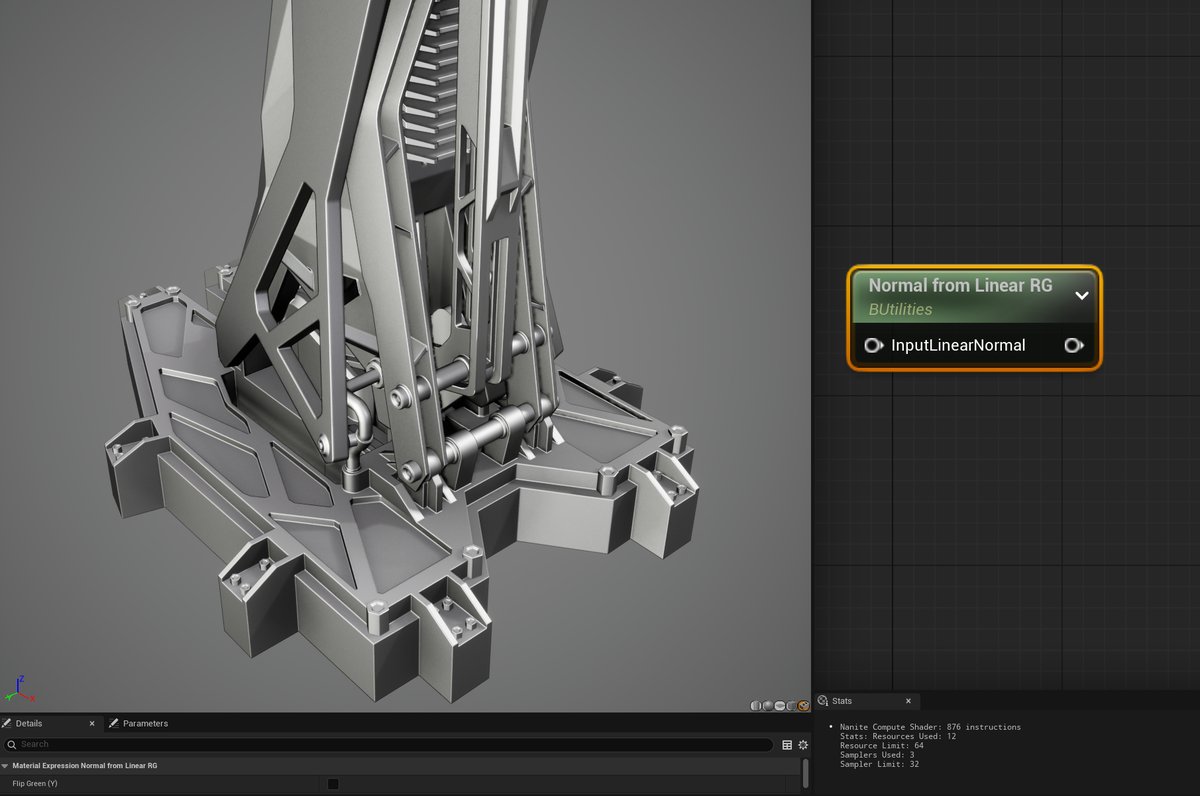
This custom material node reconstructs a tangent-space normal vector from a LinearColor texture's Red and Green channels, assuming the normal is encoded in the RG channels (X = R, Y = G). It is designed to work with BC7 texture compression, which retains all four channels (RGBA), unlike BC5 (which only uses RG but discards BA).
Technical Details
Class: UMaterialExpressionNormalFromLinearRG
Input: InputLinearNormal (FExpressionInput)
- Takes either a Texture Sample (LinearColor) or float2 input
- Reads only R and G; ignores B/A
Output: Tangent-space normal float3
Features:
- bFlipGreen toggle (checkbox in UI)
- Tooltip and clean caption for artist clarity
- Appears under "Utility" in the Material Graph
Why It's useful
BC7 lets you pack normals + masks into a single texture
With this node, Red & Green carry X/Y normal data, while Blue & Alpha remain untouched for packing roughness, metal, masks, etc.
Per-node Flip Green support
The node has a checkbox that allows Y (Green) inversion, which is helpful when working across DirectX vs OpenGL workflows or custom tangent spaces.
More efficient asset pipelines
Artists can work with a single packed texture instead of multiple maps, reducing draw calls and texture reads.
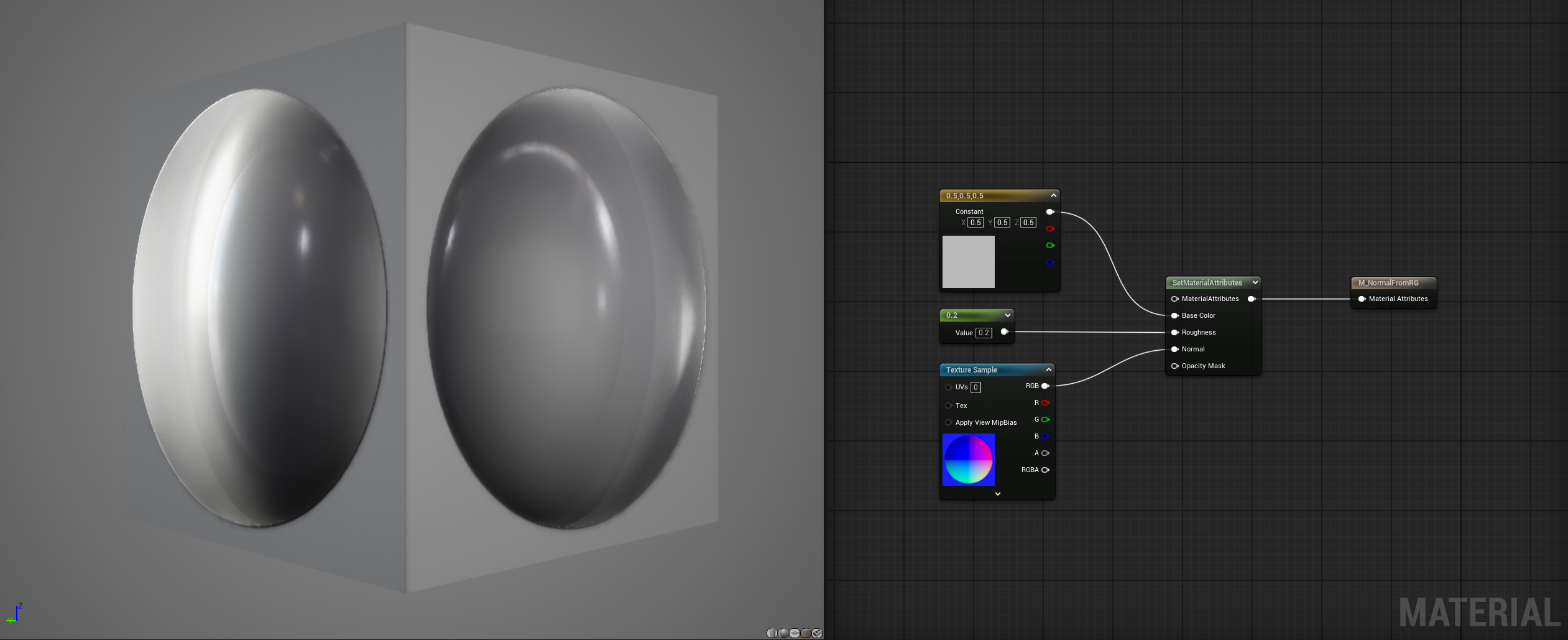
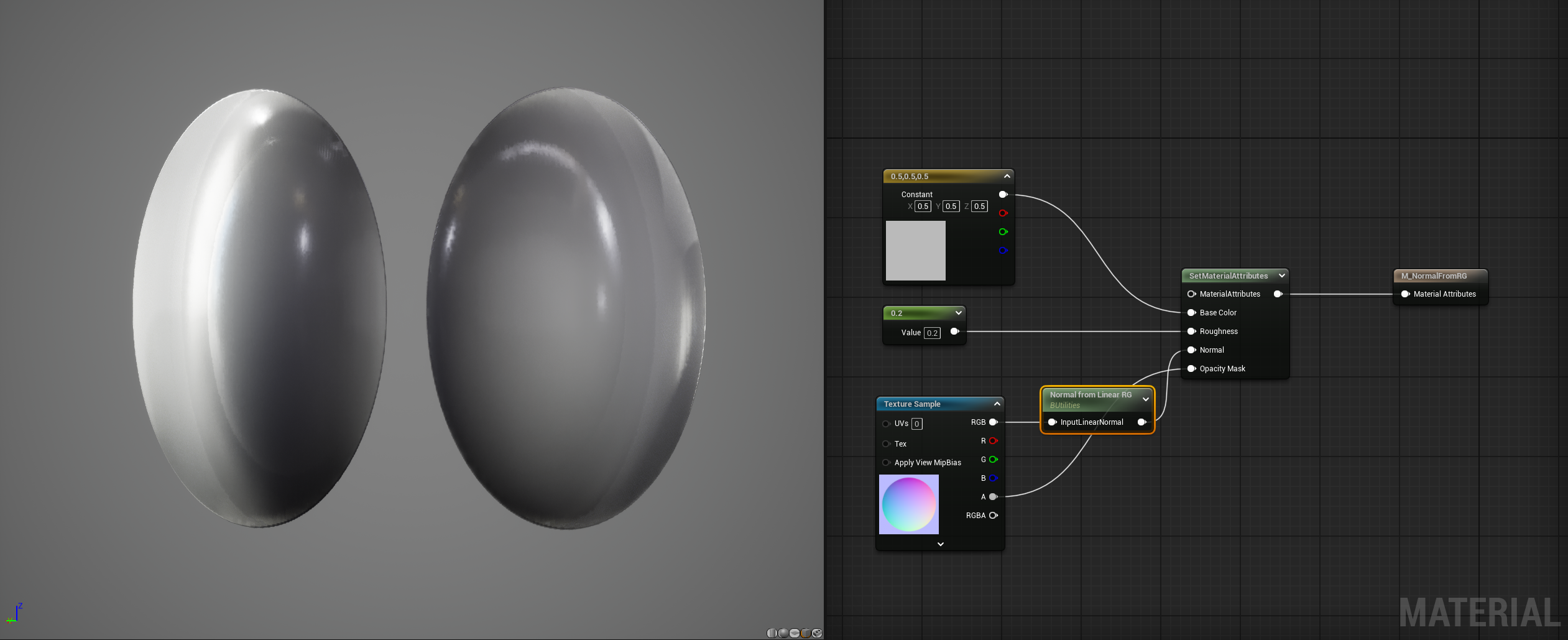
Instead of a BC5 Normal map, the user can use a BC7 Linear Color map. This enables packing for the blue and alpha channel. In this example I'm simply packing an opacity map in the alpha
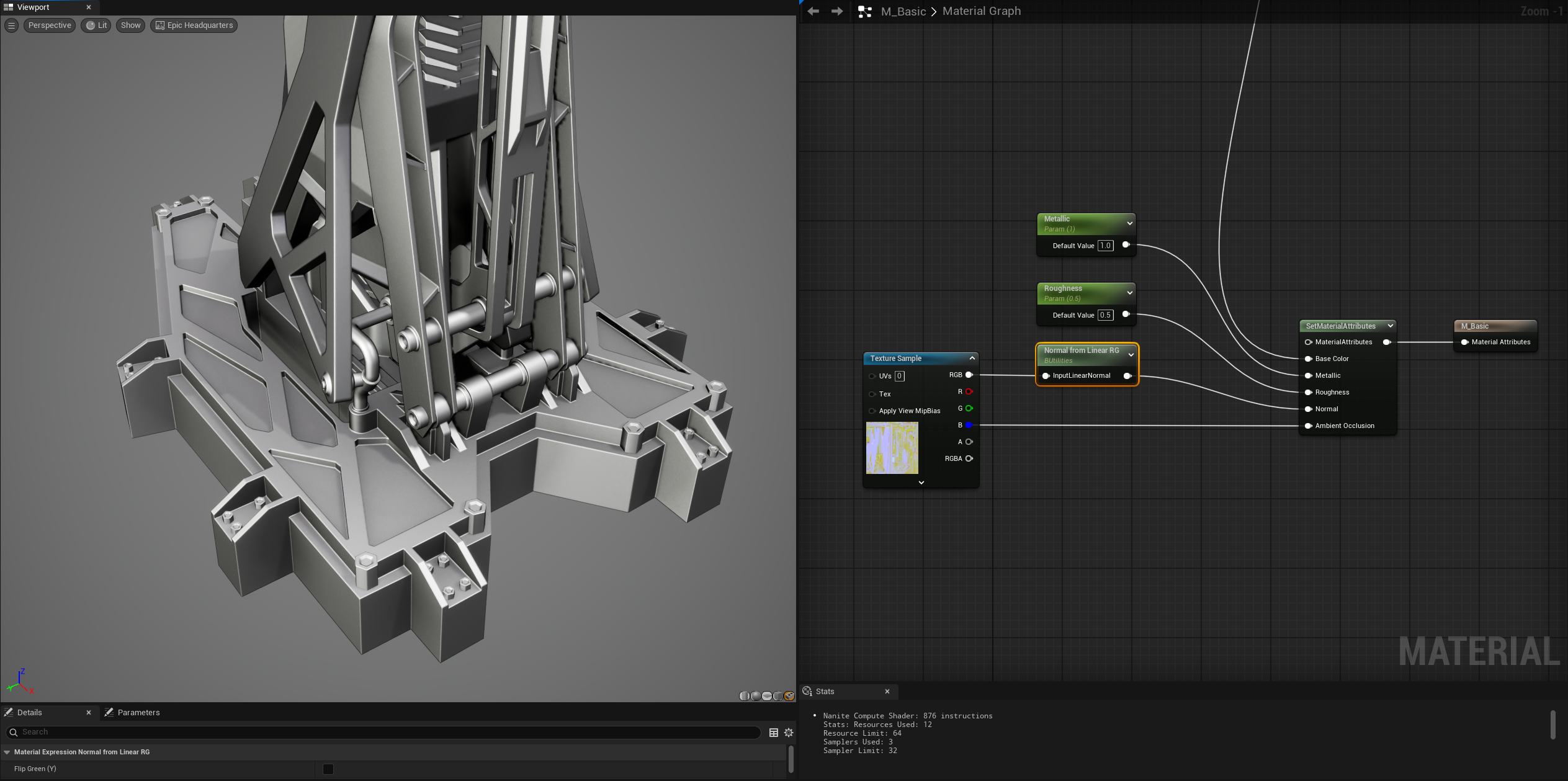
The node lets the user flip the green channel of the normal map
Breakdown
1. Custom Class: Inheriting from UMaterialExpression
At its core, the node is a subclass of Unreal’s shader expression base:
class UMaterialExpressionNormalFromLinearRG : public UMaterialExpressionThis makes it fully compatible with the Material Graph. By inheriting from UMaterialExpression,
you can override key
functions like:
Compile()→ defines HLSL generation logicGetCaption()→ customizes the label visible in the material graphUPROPERTY()→ expose inputs and settings in the graph UI
2. Inputs: FExpressionInput
UPROPERTY()
FExpressionInput InputLinearNormal;
This is the primary input socket shown on the node. It accepts a float2, float3, or float4
— typically a Texture Sample (LinearColor).
Internally, it uses only the Red and Green channels, ignoring Blue and Alpha (which remain free for other data like roughness/masks).
3. Checkbox Parameter: UPROPERTY Toggle
UPROPERTY(EditAnywhere)
bool bFlipGreen = false;
This is an exposed checkbox in the Details Panel for the node. It lets artists or tech artists invert the Green/Y channel of the input (common when flipping between DirectX/OpenGL normal conventions).
It's marked with:
EditAnywhereto expose in the editorCategoryandToolTipfor clean UI
4. Compile(): Shader Code Generation
This is the heart of the node. Unreal Engine uses a virtual compiler interface (FMaterialCompiler) to convert the
node into HLSL at material compile time.
All logic is safe, fast, and efficient — no branching in the shader!
5. Material Graph Integration
The node automatically appears in the Material Editor after compiling the plugin because it’s:
- Declared as a
UCLASS - Inherits from
UMaterialExpression - Registered via your plugin module’s
StartupModule()